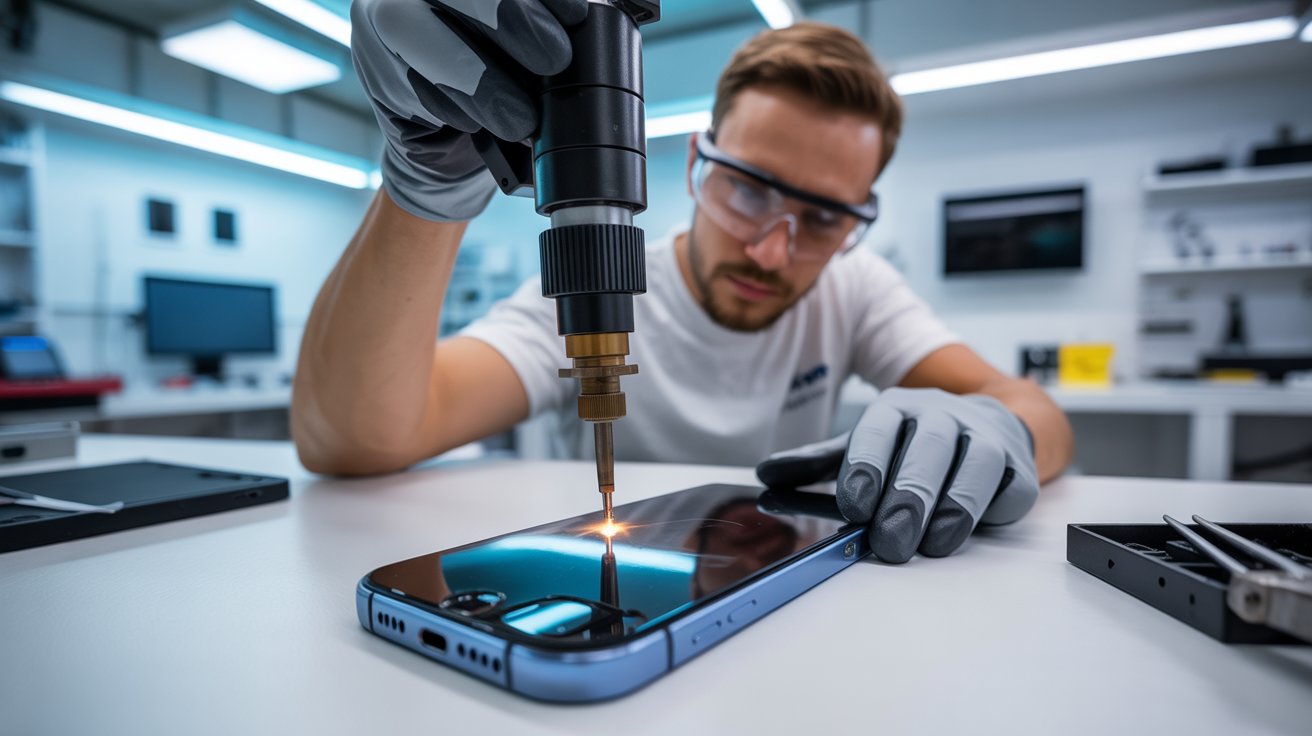
Have you ever had a minor issue with your phone but didn’t want to spend money on a professional repair? DIY phone repairs can save you both time and cash if you have the right tools. Whether you’re replacing a cracked screen, changing a battery, or fixing a loose connection, having the right set of tools can make all the difference.
Essential Tools for Cell Phone Repairs
Before diving into repairs, let’s look at the most important tools every beginner should have. These will help you safely open, diagnose, and fix common phone issues without causing more damage.
1. Precision Screwdriver Set
Most cell phones use tiny screws that require special screwdrivers. A precision screwdriver set includes various bits like Phillips, Torx, and Pentalobe, ensuring compatibility with different brands.
2. Plastic Pry Tools
These thin plastic tools help separate phone casings without scratching or breaking delicate components. They are ideal for prying open screens and removing batteries safely.
3. Suction Cup Tool
Suction cups are essential for lifting screens without applying excessive force. If your phone’s screen is glued down, this tool helps detach it smoothly without cracks.
4. Tweezers and Spudger Set
Tweezers are great for handling tiny screws and fragile components, while a spudger is perfect for disconnecting cables without damage.
5. Heat Gun or Hair Dryer
Most modern phones use strong adhesive to hold screens and batteries in place. A heat gun or hair dryer softens the adhesive, making it easier to remove components without causing cracks or warping.
6. ESD-Safe Gloves or Wrist Strap
Electrostatic discharge (ESD) can damage phone circuits. Wearing ESD-safe gloves or a wrist strap prevents accidental static damage while working on your phone.
7. Isopropyl Alcohol and Cleaning Brush
Dust and grime can interfere with phone performance. Isopropyl alcohol and a fine cleaning brush help clean circuit boards and other sensitive areas.
8. Magnetic Project Mat
When taking apart a phone, it’s easy to lose screws and tiny parts. A magnetic project mat keeps everything organized, ensuring smooth reassembly.
9. Multimeter
A multimeter is crucial for diagnosing power issues, testing battery health, and checking for connectivity problems. It helps pinpoint issues quickly.
10. Soldering Kit (for Advanced Fixes)
For those looking to fix loose charging ports or reconnect broken circuits, a soldering kit is essential. Beginners should practice on old electronics before using it on a phone.
How to Get Started with DIY Repairs
If you’re new to phone repairs, start by watching tutorials and practicing on old devices. Always work on a clean, static-free surface and take your time. If a repair seems too complicated, don’t hesitate to consult a professional.
Conclusion
DIY phone repair is easier than you think with the right tools. From precision screwdrivers to multimeters, having these 10 must-have tools will empower you to fix common phone issues safely and effectively. Start small, learn as you go, and enjoy the satisfaction of fixing your own devices!
FAQs
1. What is the best beginner tool for phone repair? A precision screwdriver set is essential for opening most phones without damaging screws.
2. Can I fix my phone without specialized tools? While some minor fixes can be done without tools, having the right equipment ensures safety and accuracy.
3. Is it safe to open my phone at home? Yes, if you follow tutorials, use the correct tools, and work carefully in a static-free environment.
4. How do I avoid damaging my phone during repairs? Use plastic pry tools, work slowly, and keep track of screws and small components.
5. Where can I buy quality repair tools? You can find phone repair toolkits online from retailers like Amazon, iFixit, and specialized tech stores.
The “Spicy Pillow”: Dangers of Swollen Batteries in the Summer Heat
Every summer, repair technicians across the United States witness a surge in one particular issue: iPhone swollen batteries. Affectionately nicknamed “spicy pillows” in tech communities, these bloated power cells represent more than an inconvenience; they constitute a genuine fire and explosion hazard.
If you’ve noticed your iPhone screen lifting, the device feeling thicker, or your phone rocking on flat surfaces, you may be dealing with a swollen battery. This comprehensive guide explains why summer heat accelerates battery degradation, how to identify warning signs, and what steps to take when your iPhone battery begins to fail.
How 95°F+ Weather Degrades Lithium-Ion Capacity
Lithium-ion batteries operate through chemical reactions that are highly temperature-sensitive. Apple designs iPhones to function optimally between 32°F and 95°F (0°C to 35°C). When ambient temperatures exceed this threshold, the battery’s internal chemistry becomes unstable.
At temperatures above 95°F, several destructive processes occur simultaneously:
Accelerated Electrolyte Decomposition: The liquid electrolyte that enables ion movement between the anode and cathode begins breaking down faster. This decomposition produces gases that accumulate inside the sealed battery pouch.
SEI Layer Degradation: The Solid Electrolyte Interphase, a protective film on the battery’s anode, deteriorates in heat. Each degradation cycle consumes lithium ions permanently, reducing overall capacity.
Thermal Runaway Risk: In extreme cases, sustained heat exposure can trigger thermal runaway, where the battery generates more heat than it can dissipate, potentially resulting in fire or explosion.
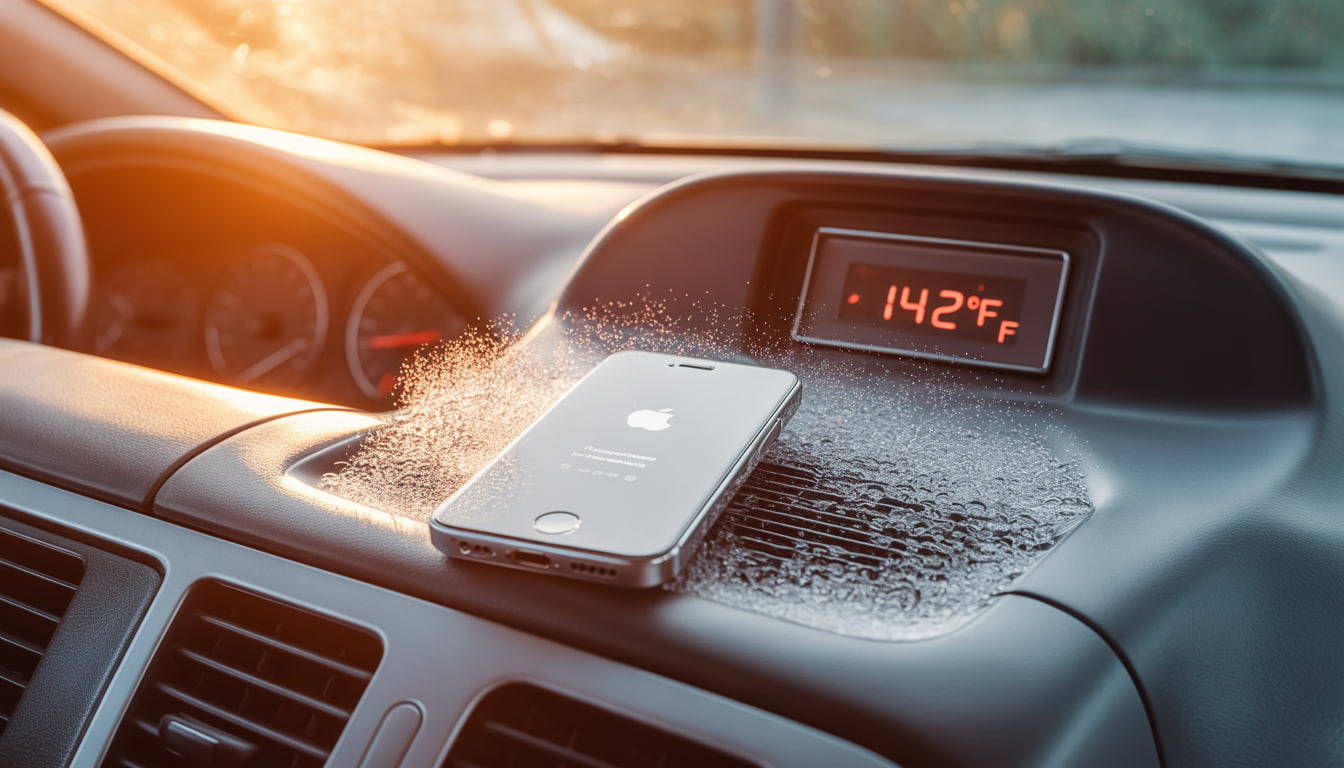
Research indicates that storing lithium-ion batteries at 104°F (40°C) for extended periods can reduce capacity by 15-35% within a single year. For iPhone users in states like Arizona, Texas, Florida, and Nevada, leaving devices in parked cars during summer months where interior temperatures can exceed 140°F dramatically shortens battery lifespan.
The formation of internal gases is what transforms a flat battery cell into the characteristic pillow shape. This swelling places pressure on internal iPhone components, eventually pushing the display away from the frame.
How to Read Your iPhone Battery Settings Like a Pro
Apple provides diagnostic tools that help users monitor battery health before problems become visible. Navigate to Settings > Battery > Battery Health & Charging to access critical information.
Maximum Capacity: This percentage indicates your battery’s current capacity relative to when it was new. A reading of 85% means your battery holds 85% of its original charge. Apple considers batteries with 80% or higher capacity to be operating normally.
Peak Performance Capability: This section reveals whether iOS has implemented performance throttling. Messages indicating “normal” peak performance mean no throttling is active. Any variation from this message warrants attention.
Cycle Count (accessible via Settings > General > About on iOS 17.4+): Each full discharge and recharge constitutes one cycle. Apple rates iPhone batteries for approximately 500 complete cycles before reaching 80% capacity, though newer models with improved chemistry may exceed this.
Charging Optimization Status: Verify that “Optimized Battery Charging” is enabled. This feature learns your charging habits and delays charging past 80% until you need your phone, reducing stress on the battery.
Monitor these metrics monthly during summer months. Rapid capacity drops particularly losses exceeding 5% within a single month may indicate heat damage or imminent swelling.
Why Apple Intentionally Slows Down Phones with Old Batteries
In 2017, Apple confirmed what many users suspected: iOS throttles processor speeds on iPhones with degraded batteries. This practice, initially implemented without user notification, sparked significant controversy and resulted in a $113 million settlement across multiple states.
The technical justification is legitimate. As batteries age, their internal resistance increases.
When high-performance tasks demand significant current draw, degraded batteries may struggle to maintain adequate voltage. This voltage sag can cause unexpected shutdowns a problem that affected many iPhone 6 and 6s users.
Apple’s solution was to dynamically limit peak CPU and GPU performance when the battery cannot reliably supply demanded power. While this prevents shutdowns, it manifests as:
Slower application launch times
Reduced frame rates during graphics-intensive tasks
Longer processing times for photos and videos
Dimmed display brightness in some scenarios
Following user backlash, Apple now provides transparency through the Battery Health menu. If you see the message “Performance management has been applied,” your device is being throttled due to battery degradation. iOS allows users to disable this feature, though doing so risks unexpected shutdowns.
For iPhones with swollen batteries, throttling often precedes visible swelling. If performance degradation coincides with summer months and your phone is two or more years old, battery inspection is advisable.
iPhone Swollen Batteries: Recognizing Screen Lifting as a Fire Hazard
The most visible indicator of iPhone swollen batteries is display separation. As gases accumulate within the battery pouch, internal pressure increases until the weakest structural point yields typically the adhesive bonding the screen to the frame.
Perform these physical inspections regularly:
The Flat Surface Test: Place your iPhone on a hard, flat surface. Press each corner gently. If the phone rocks or feels unstable, the frame may be warping due to battery expansion.
Visual Inspection: Examine the seam between the display and aluminum frame from multiple angles under good lighting. Any visible gap, particularly near the bottom of the device (where iPhone batteries are located), indicates potential swelling.
Tactile Check: Run your fingernail along the display edge. Separation should be imperceptible on a healthy device.
Caution: If you confirm swelling, do not attempt to puncture, compress, or heat the device. Punctured lithium-ion batteries can release toxic fumes and ignite. Place the device in a fireproof container or on a non-flammable surface away from combustibles and contact a qualified repair technician immediately.
The Consumer Product Safety Commission recommends treating swollen batteries as hazardous materials. Do not place swollen devices in regular trash. Most Apple Stores and authorized service providers accept damaged batteries for proper recycling.
Aftermarket vs. OEM Quality: Understanding the Difference in Replacement Parts
When replacing iPhone swollen batteries, consumers face a choice between Apple’s official service and third-party repair providers using aftermarket components. Understanding the differences helps inform this decision.
OEM (Original Equipment Manufacturer) Batteries:
Manufactured to Apple’s specifications
Include proper battery management system integration
Maintain accurate Battery Health readings in iOS
Carry Apple’s warranty coverage
Cost more ($89-$119 through Apple for most models)
Aftermarket Batteries:
Quality varies dramatically by supplier
May use recycled or inferior cells
Often trigger “Unable to verify” warnings in iOS
May not communicate accurately with iOS battery management
Typically cost $30-$60 through independent repair shops
Apple implemented software-based authentication starting with the iPhone XS and XR.
Non-authenticated batteries display a “Service” message in Battery Health regardless of actual condition, and accurate capacity reporting is disabled.
However, this doesn’t mean all aftermarket options are inferior. High-quality third-party batteries using genuine cells can perform comparably to OEM components. The challenge lies in identifying reputable suppliers. Request information about cell origin and capacity ratings before authorizing replacement.
For devices still under AppleCare+ coverage, Apple replacement represents the logical choice. For older devices outside warranty, aftermarket batteries from established repair shops with strong reviews offer reasonable value.
Calibration Tips: How to Treat Your New Battery for Maximum Lifespan
After battery replacement, proper calibration and usage habits significantly impact longevity.
Follow these evidence-based practices:
Initial Calibration Cycle: Allow the new battery to discharge to approximately 5-10%, then charge uninterrupted to 100%. Leave connected for an additional hour after reaching full charge. This process helps iOS accurately gauge the battery’s true capacity.
Ongoing Maintenance:
Maintain charge levels between 20-80% during daily use when possible
Avoid overnight charging on surfaces that trap heat (beds, couches)
Remove cases during extended charging sessions to improve heat dissipation
Enable “Optimized Battery Charging” to reduce time spent at 100%
Avoid using the device while charging, particularly during resource-intensive tasks
Environmental Precautions:
Never leave your iPhone in vehicles during summer months
Avoid direct sunlight exposure during outdoor use
If the device displays a temperature warning, power it off and allow cooling before resuming use
Store devices in climate-controlled environments during extreme weather
Charging Equipment: Use Apple-certified cables and adapters. Non-certified chargers may deliver inconsistent voltage that stresses battery chemistry. MFi certification indicates compliance with Apple’s standards.
Following these practices can extend battery service life by 12-24 months compared to careless usage patterns.
Conclusion
iPhone swollen batteries represent a predictable failure mode that summer heat accelerates substantially. By monitoring battery health metrics, recognizing physical warning signs, and responding appropriately when swelling occurs, you can protect both your device and your safety.
If you discover a swollen battery in your iPhone, avoid delays. The same chemical instability causing the swelling creates fire risk that increases over time. Seek professional replacement promptly and follow calibration best practices to maximize the lifespan of your new battery.
Why Is Your Laptop So Slow? 3 Fixes Before You Buy a New One
Houston computer repair experts reveal why your “dying” laptop might just need a $150 upgrade to feel brand new again.
Every week, frustrated Houston residents walk into computer repair shops ready to spend $800+ on a new laptop. Here’s what most discover: 80% of “slow” laptops aren’t broken at all. They’re just being held back by outdated components that cost a fraction of a new computer to fix.
Before you go laptop shopping, let’s break down exactly why your computer has slowed to a crawl and the three fixes that can restore lightning-fast performance.
Why Old Hard Drives (HDD) Are the Bottleneck
If your laptop is more than 3-4 years old and you’ve never upgraded the storage, there’s a 90% chance it’s running on a traditional Hard Disk Drive (HDD). That spinning disk is almost certainly why you’re waiting 3-5 minutes for your laptop to boot up every morning.
How HDDs Work (And Why They’re So Slow)
Picture an old record player. Inside your hard drive, there’s an actual metal disk spinning at 5,400-7,200 rotations per minute. A tiny mechanical arm moves back and forth, reading data as it goes.
Now imagine asking that record player to simultaneously load Windows, open Chrome with 15 tabs, run antivirus software, sync Dropbox, and update applications. That mechanical arm is physically moving thousands of times per second, trying to find scattered data. It’s like a librarian running through a massive library, pulling one book at a time, while everyone shouts requests simultaneously.
HDDs Get Slower Over Time
Here’s what most people don’t realize: HDDs don’t just stay slow they get worse.
As you use your computer:
File fragmentation increases — Data scatters across the disk like puzzle pieces
The disk fills up — Below 15% free space, performance drops exponentially
Mechanical wear occurs — Moving parts degrade after 20,000+ hours of operation
Bad sectors develop — Corrupted areas force the system to work around them
Warning signs your HDD is dying:
Clicking or grinding noises
Files that won’t open or take forever to load
Frequent freezing when accessing files
Windows taking 5+ minutes to boot
Blue Screen of Death errors
SSD vs. HDD: The 10x Speed Difference Explained Simply
The solution that transforms sluggish laptops into speed demons? A Solid State Drive (SSD).
What Makes SSDs So Much Faster?
An SSD has no moving parts whatsoever. Instead of spinning disks, it uses flash memory chips the same technology in your smartphone, just faster and more sophisticated.
Think of it like this:
HDD: A librarian running through a physical library, grabbing books one at a time
SSD: Instant digital access to any book with a simple search
There’s no waiting for anything to physically move. When your computer requests data, the SSD delivers it in nanoseconds rather than milliseconds.
Real-World Speed Comparison
Task
HDD Time
SSD Time
Windows Boot
2-5 minutes
15-30 seconds
Opening Word
30+ seconds
2-3 seconds
Opening Photoshop
1-2 minutes
10-15 seconds
Browser Launch
15-30 seconds
2-5 seconds
Sleep to Wake
30+ seconds
2-3 seconds
For most Houston laptop users, a standard SATA SSD ($40-80 for 500GB) delivers all the speed improvement you’ll notice for everyday tasks. You’d only need faster NVMe drives for professional video editing or massive file transfers.
The Multitasking Muscle: How Much Memory Do You Actually Need?
RAM (Random Access Memory) is your laptop’s “working memory” where active programs live for quick access. If your SSD is the filing cabinet, RAM is your desk where you spread out files you’re actively using.
Why RAM Matters (Especially for Chrome Users)
When you run out of RAM, your computer borrows storage space as “virtual memory.” The problem? Even a fast SSD is 100,000x slower than RAM.
When your system starts swapping data between RAM and storage, you’ll notice:
Lag when switching between programs
Stuttering when scrolling
Programs freezing for seconds at a time
That spinning wheel of doom
Chrome Is a RAM Monster
Here’s what we typically see:
Chrome Usage
RAM Needed
5 tabs (simple sites)
500MB – 1GB
10 tabs (mixed sites)
1.5GB – 2.5GB
15 tabs + YouTube
3GB – 4GB
20+ tabs + extensions
4GB – 6GB
RAM Recommendations
4GB: Barely enough for Windows 11 + light browsing. Not recommended in 2024.
8GB: Sweet spot for most users. Handles 10-15 Chrome tabs comfortably.
16GB: Ideal for professionals, multitaskers, and those who keep many programs open.
Quick check: Press Ctrl + Shift + Esc to open Task Manager. If you’re regularly at 85-100%
memory usage, a RAM upgrade will make a significant difference.
How We Upgrade Your Speed Without Losing Your Files
The biggest fear we hear: “Will I lose all my photos and files?”
Absolutely not when done correctly.
The Professional Upgrade Process
Step 1: Full System Backup Before touching anything, we create a complete backup of your existing drive files, programs, settings, everything.
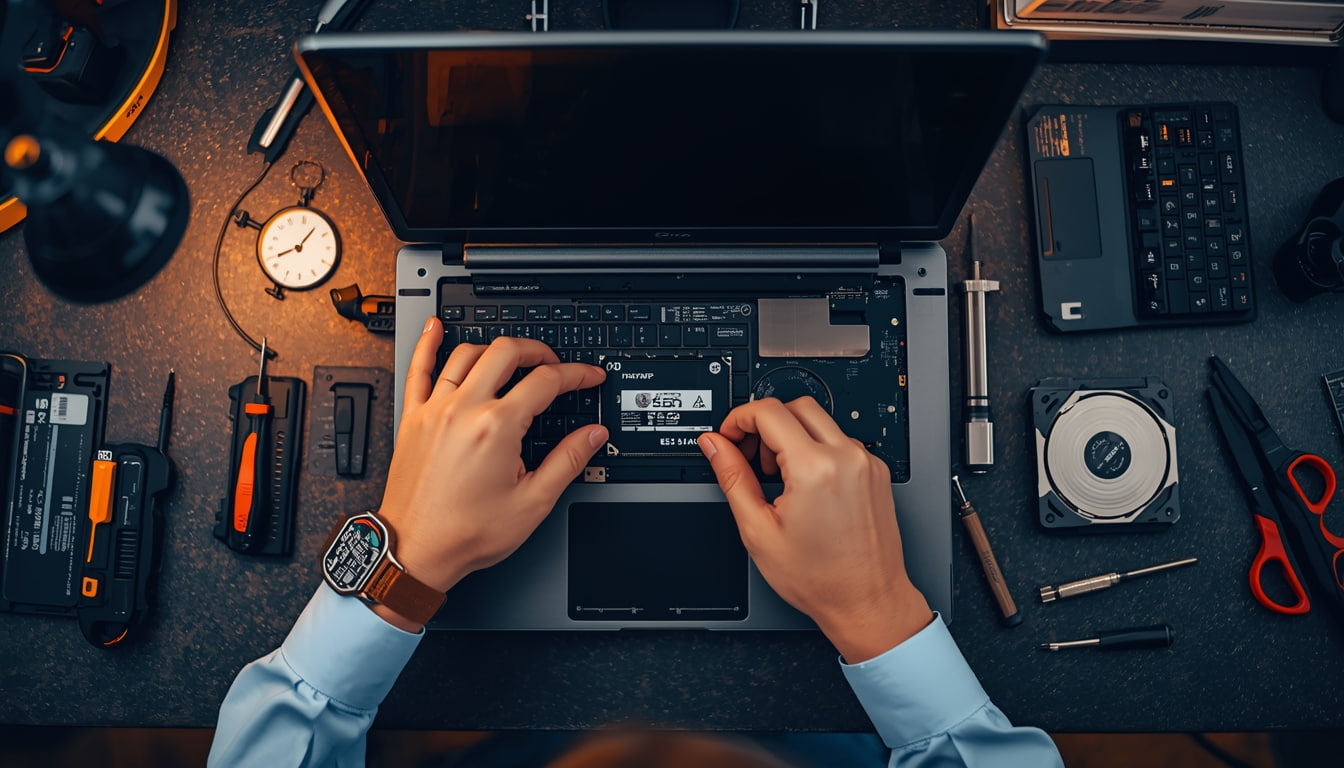
Step 2: Drive Cloning Using professional software, we create an exact sector-by-sector copy onto the new SSD. When you turn on your laptop after the upgrade, everything looks exactly the same same desktop, same files, same programs. Just incredibly faster.
Step 3: Installation & Optimization The new SSD is installed, TRIM is enabled, and we verify all data transferred correctly.
Your old drive can be returned to you in an external enclosure for extra backup storage, or securely wiped and recycled.
Cooling Down an Overheating CPU to Regain Speed
Here’s a factor most “speed up your laptop” articles overlook: thermal throttling.
What Is Thermal Throttling?
Your CPU generates significant heat. To prevent damage, processors automatically slow down when temperatures exceed safe limits (90-100°C). This can reduce performance by 30-50% or more.
Why Laptops Overheat Over Time
Dust accumulation is the biggest culprit. Over 2-3 years, debris forms an insulating layer on your heatsink and clogs your fan. Other causes include dried-out thermal paste, blocked vents, and failing fans.
Signs of thermal throttling:
Fan running constantly at maximum
Hot keyboard and bottom
Fast at first, then slows significantly under load
Random shutdowns
The Fix
Professional thermal maintenance includes complete disassembly, compressed air cleaning, old thermal paste removal, fresh thermal paste application, and fan inspection. We regularly see laptops drop from 95°C to 65-75°C after proper maintenance, the difference between a throttled machine and one running at full capability.
$150 Upgrade vs. $800 New Laptop: The Smart Choice
Let’s do the math retailers hope you never calculate.
Typical Upgrade Costs
Upgrade
Total Cost
500GB SSD + Installation
$100-150
RAM Upgrade (8GB → 16GB)
$60-100
Thermal Cleaning
$40-80
Complete Refresh
$150-250
Side-by-Side Comparison
Factor
$150 Upgrade
$800 New Laptop
Boot time after
15-30 seconds
15-30 seconds
Your files/programs
All preserved
Require manual transfer
Learning curve
None
Hours of setup
Environmental impact
Minimal
Significant
A 5-year-old laptop with an i5 or i7 processor is still plenty powerful for everyday tasks. The CPU handles email, browsing, and productivity just fine it’s the HDD and limited RAM holding it back.
When to Upgrade vs. Replace
Upgrade if: Your laptop is 3-6 years old with working screen/keyboard, has an i3/i5/i7 processor, and has upgradeable components.
Replace if: Your laptop is 7+ years old, has a low-power Celeron processor, has multiple broken components, or has soldered (non-upgradeable) storage and RAM.
Take Action Today
A slow laptop doesn’t mean you need a new laptop. In most cases, the culprit is an outdated hard drive, insufficient RAM, or thermal issues causing CPU throttling.
For $150-250 a fraction of a new computer’s cost you can transform your sluggish machine into a responsive tool that serves you for years to come.
Before resigning yourself to laptop shopping, get a professional assessment. Your wallet and the environment will thank you.